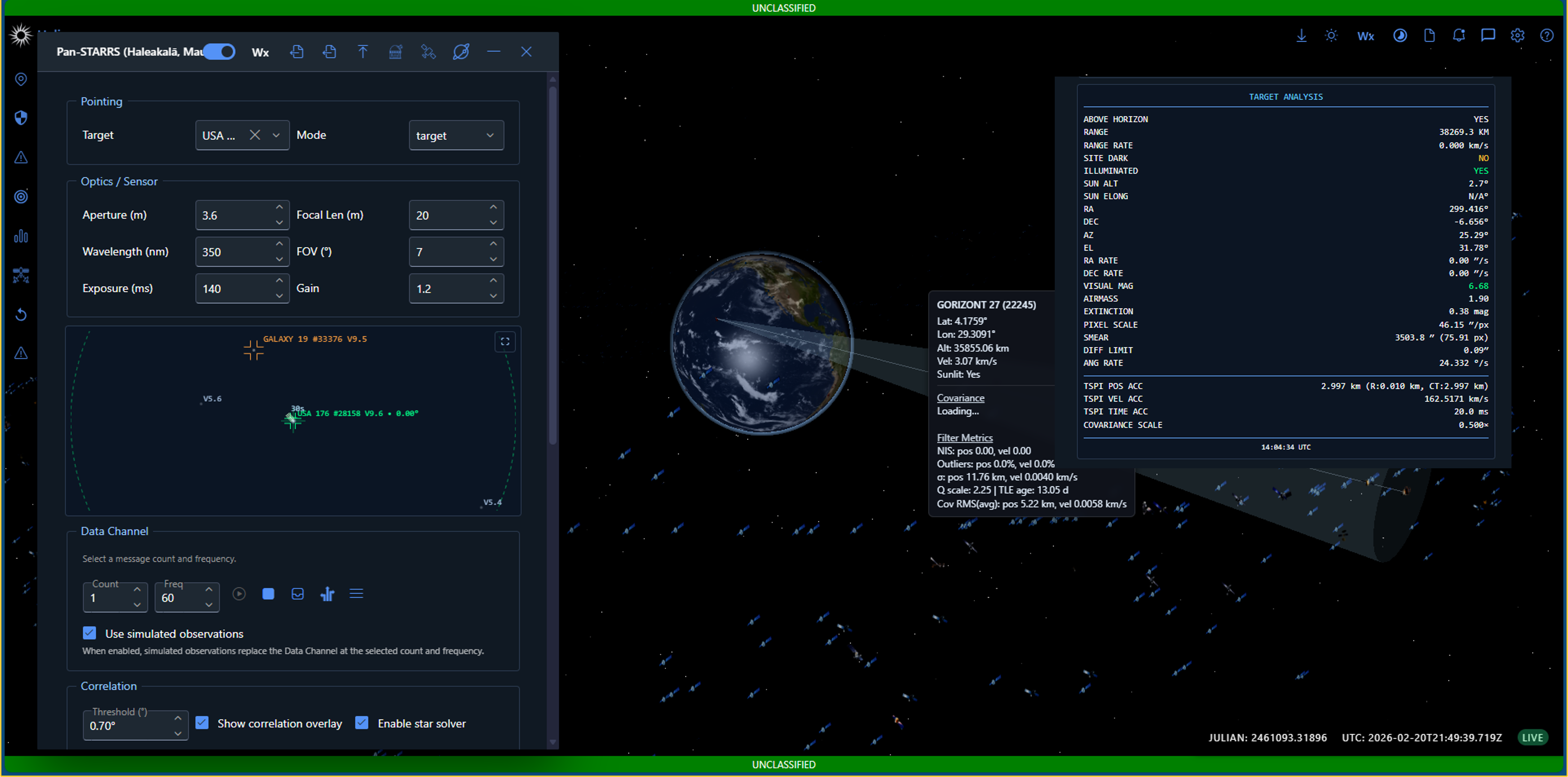
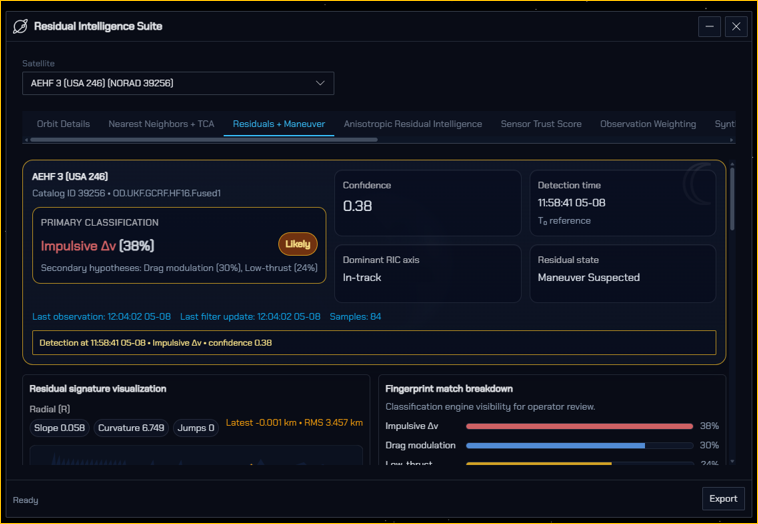
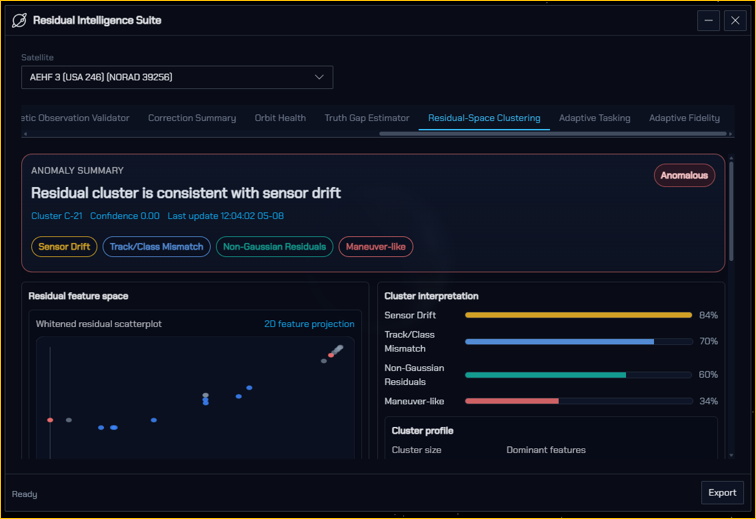
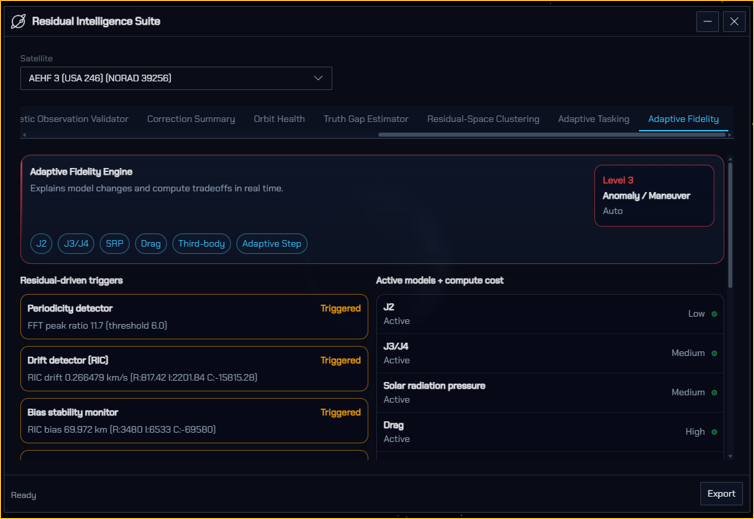
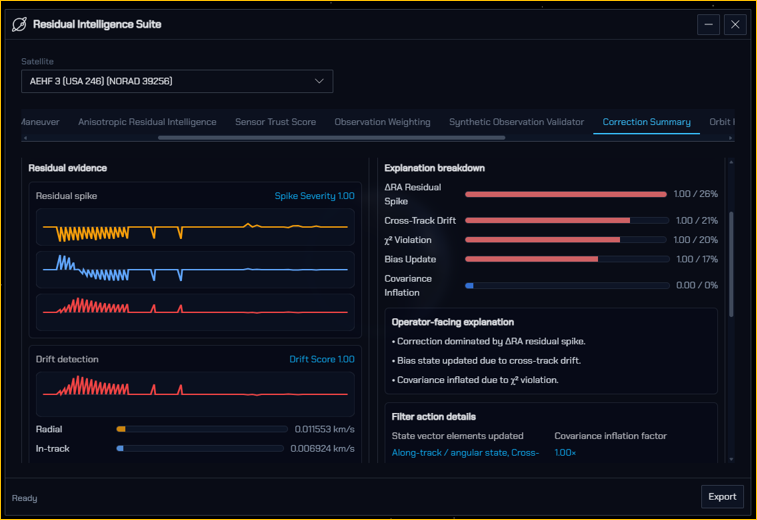
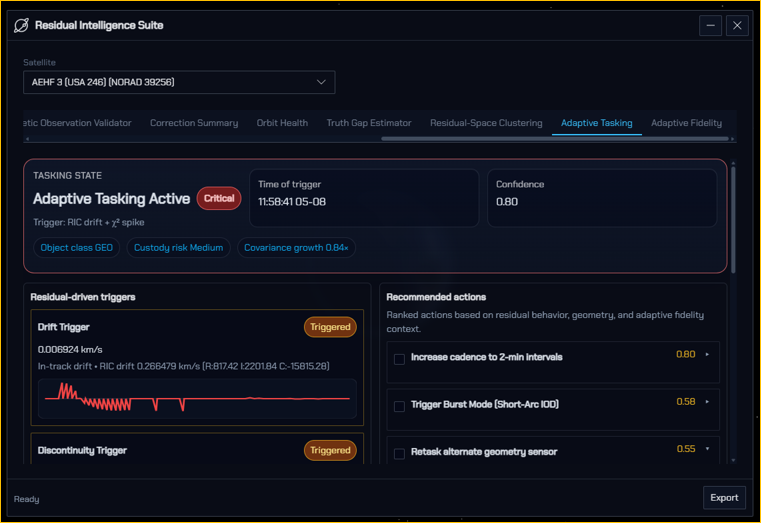
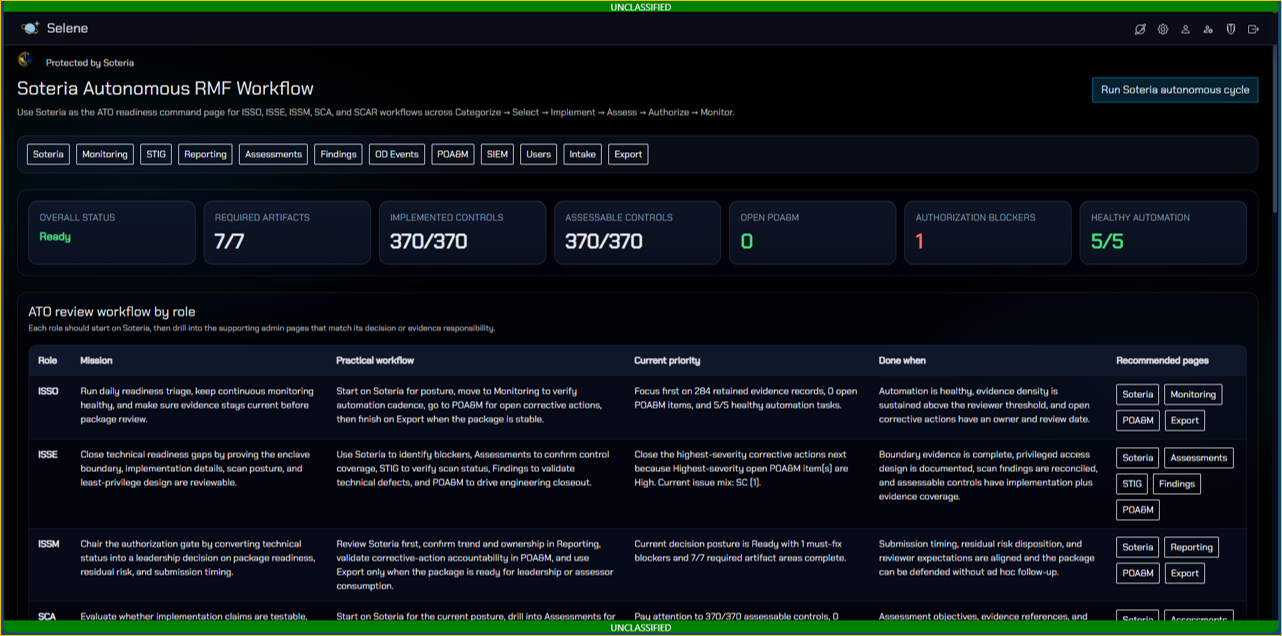
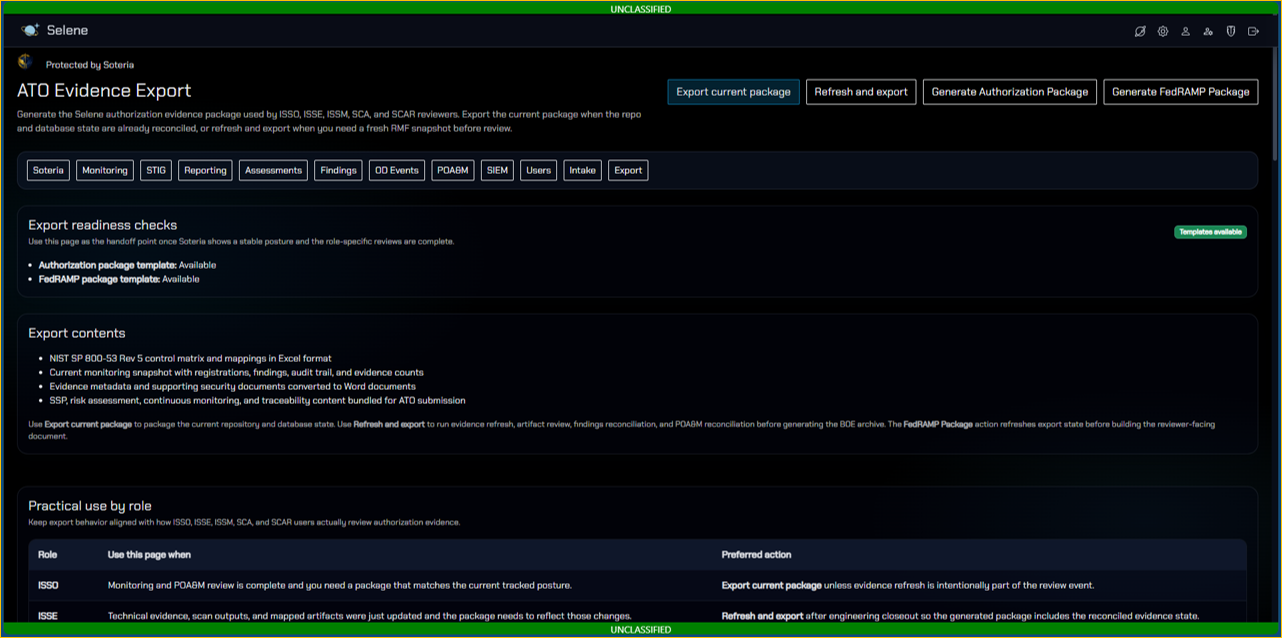
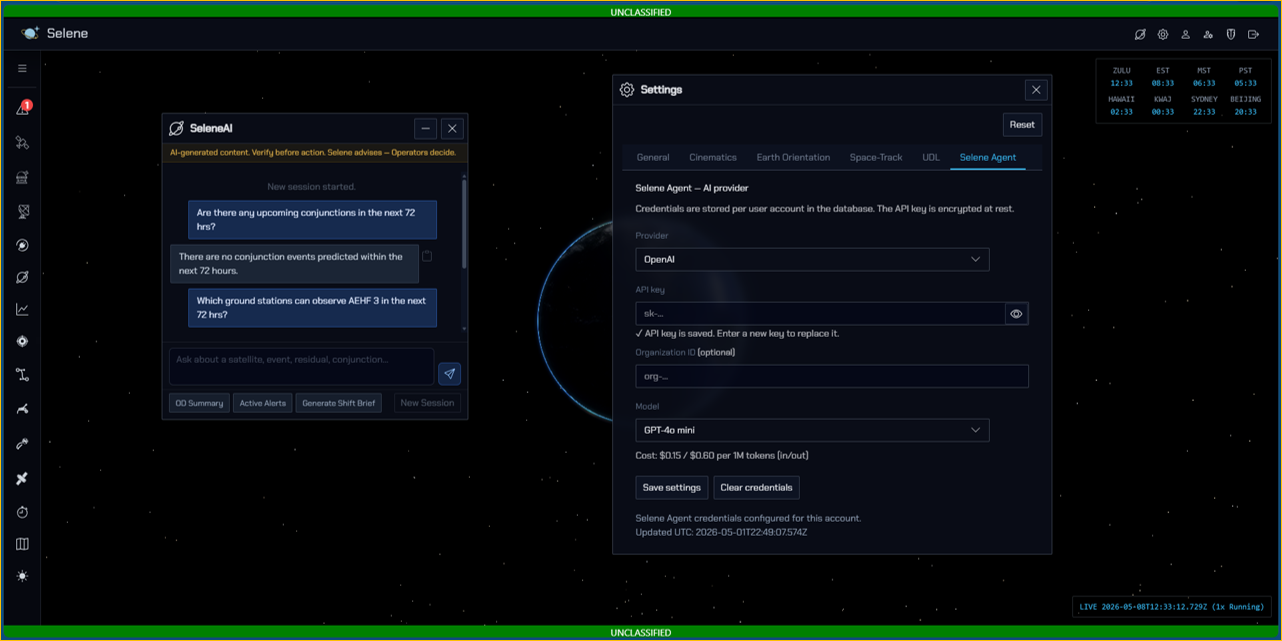
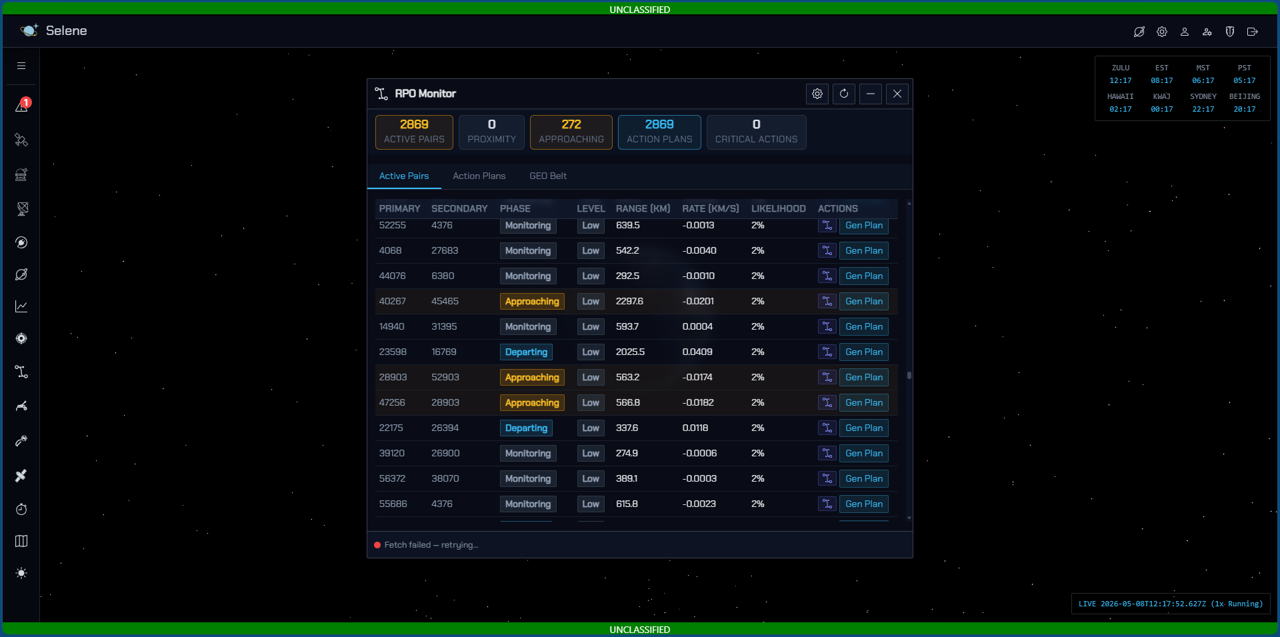
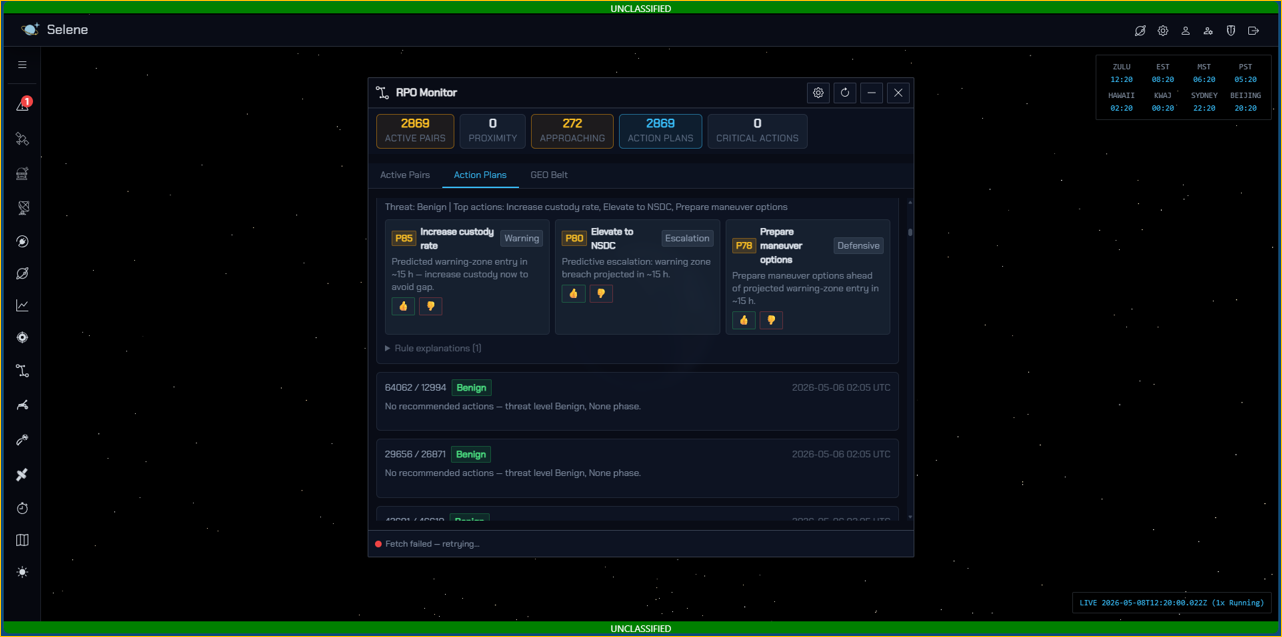
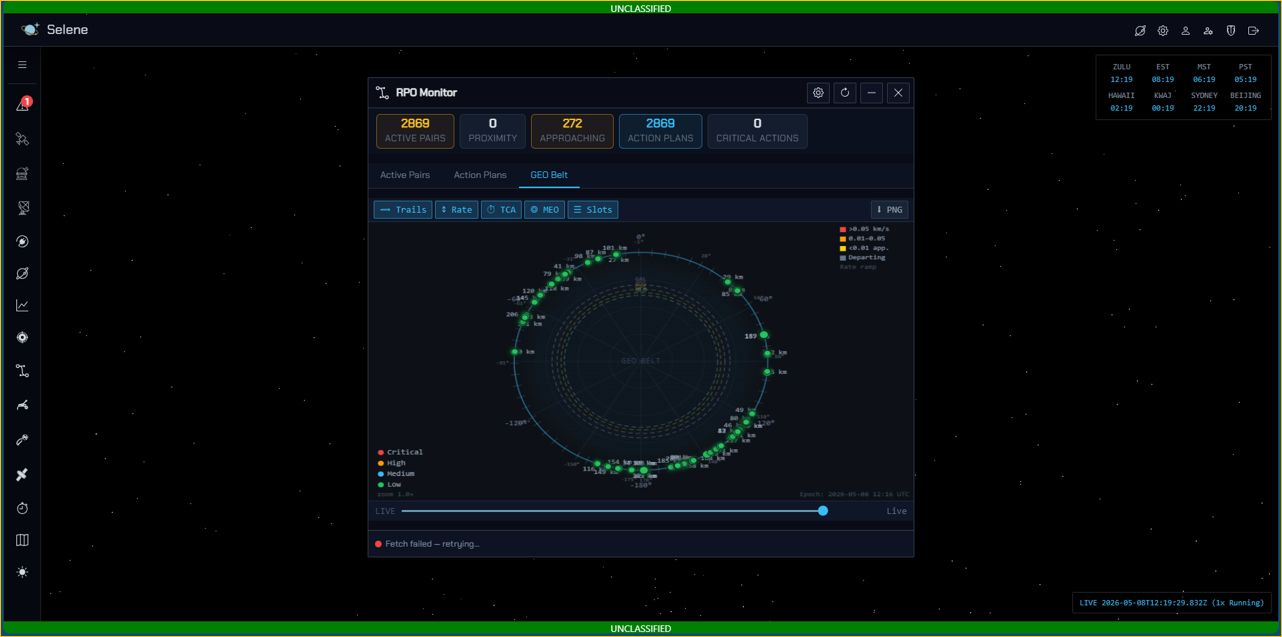
Selene is the workspace where orbital data becomes operational awareness. It combines a high-performance 3D globe, real-time (or simulated-time) propagation, and mission-centric tooling—so operators can move from “where is it?” to “what does it mean?” without leaving the map.
Selene is the operational view of the environment—an interactive 3D globe built to answer the questions operators ask in real time: Where is it? What can it see? What can we see? What’s changing? What needs attention now?
This isn’t a “pretty map.” It’s a mission workspace that keeps satellites, sensors, and timelines synchronized so actions stay fast and decisions stay defensible.
A workspace built for operations, not just visualization
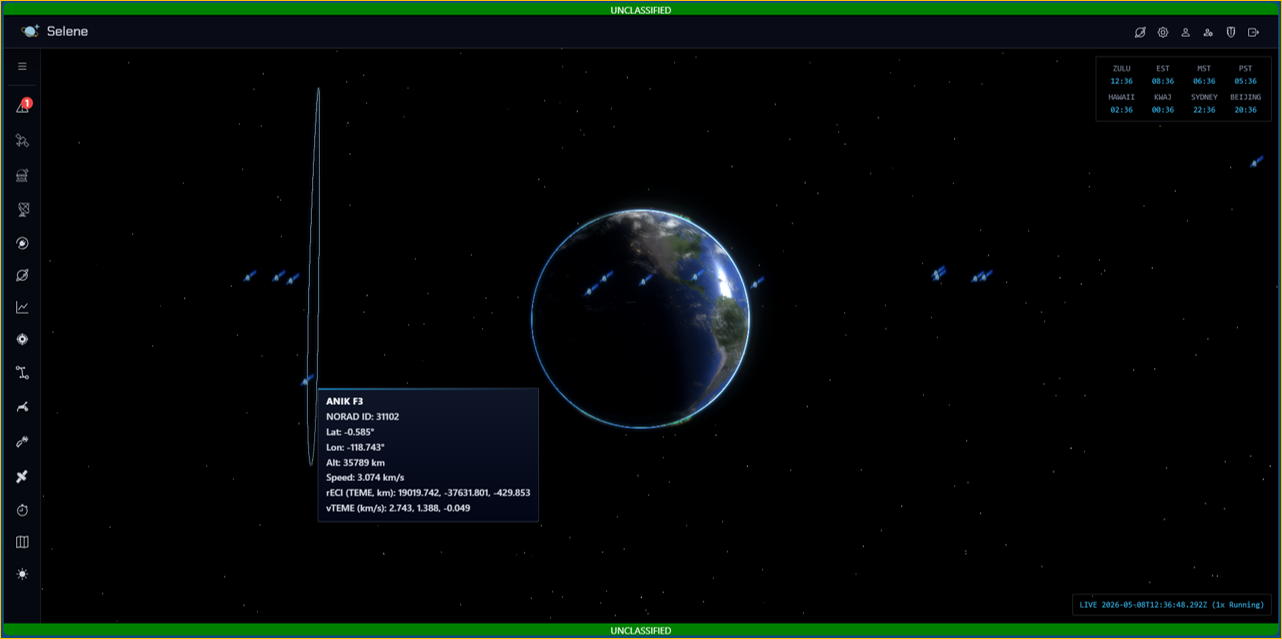
At the center of Selene is an interactive 3D scene designed to keep context—Earth,
satellites, sensors, and overlays—in a single continuous view. Selene presents satellites and assets on a
continuously updating 3D Earth (powered by a high-performance rendering pipeline). The intent is simple: keep
global awareness in one view while still enabling deep dives on demand—without changing tools or losing context.
It fuses time control, high-rate propagation, sensor context, and maneuver-focused tools into a single
interactive 3D environment—so range safety decisions and maneuver monitoring can happen quickly, with shared visual context.
Key experience highlights and Operator benefits are:
-
Smooth orbit visualization with continuously updating satellite positions
-
Rapid spatial understanding (altitude, geometry, “what’s near what”)
-
Scene-scale rendering that supports overlays like footprints, tracks, and site indicators
-
A single place to correlate orbits, sensor coverage, and operational effects
-
Object context menus for rapid actions directly from the globe and satellites (no hunting through panels)
-
Consistent object interaction patterns across satellites, sensors, and overlays
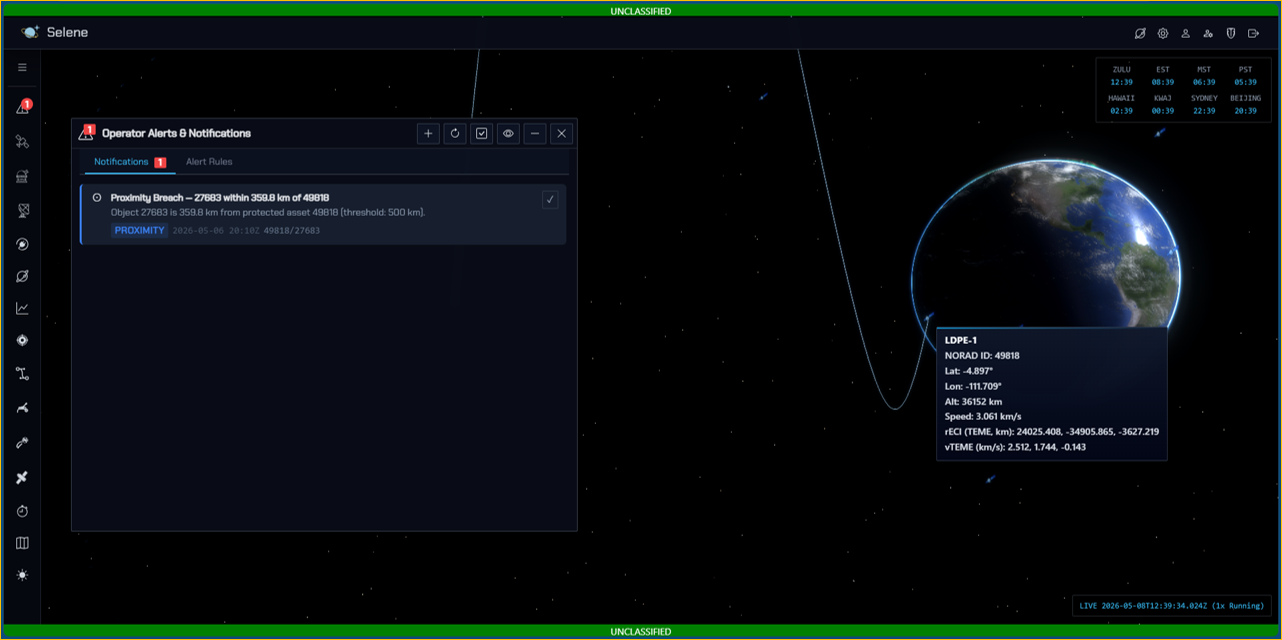
Selene also includes popups and panels for deeper workflows (details, analytics, time controls, distance tools, and more), so the globe stays the primary interface.
Asset-centric operations (space + ground)
Selene treats both satellites and ground assets as operational objects, not static overlays.
Operators can bring up relevant actions directly from the map, reducing time-to-assessment during safety windows.
Ground sites are modeled with operational constraints (e.g., elevation, azimuth sectoring, and range envelopes). That means the scene isn’t just “where the site is,” but what the site can do.
Time controls: run the world in real time—or any time
Operations rarely happen at wall-clock speed. Selene includes a dedicated time control system designed for operational playback and forecast:
- Simulation time (now())
- Work “Now,” Replay “Then,” or Accelerate “What’s Next”
- Play/pause
- Manual epoch setting for “jump to time”
- Time multiplier (e.g., 1x real time vs accelerated)
- Propagation update interval (satellite updates at configurable cadence)
- Persistence of settings (saved locally so operator preferences stick)
This makes time a first-class control surface: analyzing a situation “as it happened” is
natural as watching it live.
What this enables in practice:
- Reconstructing a situation at a specific UTC
- Compressing time to watch a pass or geometry change develop
- Pausing to coordinate decisions without losing the state you’re looking at
Satellite interaction: right-click intelligence
Operators shouldn’t have to hunt through menus. Selene’s satellite context menu is designed around common operational tasks. Operators can quickly trigger tools such as:
-
Zoom to satellite
-
Measure distance
-
Show covariance
-
Show CATS details (close-approach style analytics)
-
Show footprint (sensor/coverage visualization)
-
Show ground track
-
Show maneuver POL (behavior / pattern-of-life visualization)
-
Show orbit details / orbital parameters
The goal is to keep workflow latency near zero: point at an object, choose an action, get immediate context. This keeps the workflow consistent: select → act → assess.
True ground footprint + downward cone visualization
Footprints aren’t just “a circle on the map.” Footprints in Selene are implemented as a true ground-intersection boundary with a downward cone visualization, built specifically for operator trust.
-
Computes a ground-intersection boundary based on geometry
-
Renders a surface fill + outline that is properly occluded by the Earth
-
Draws a downward cone that is clipped so it does not visually “bleed through” the globe
This makes footprint overlays operationally trustworthy from any camera angle.
2D Operations Map: fast global context when 3D isn’t the fastest answer
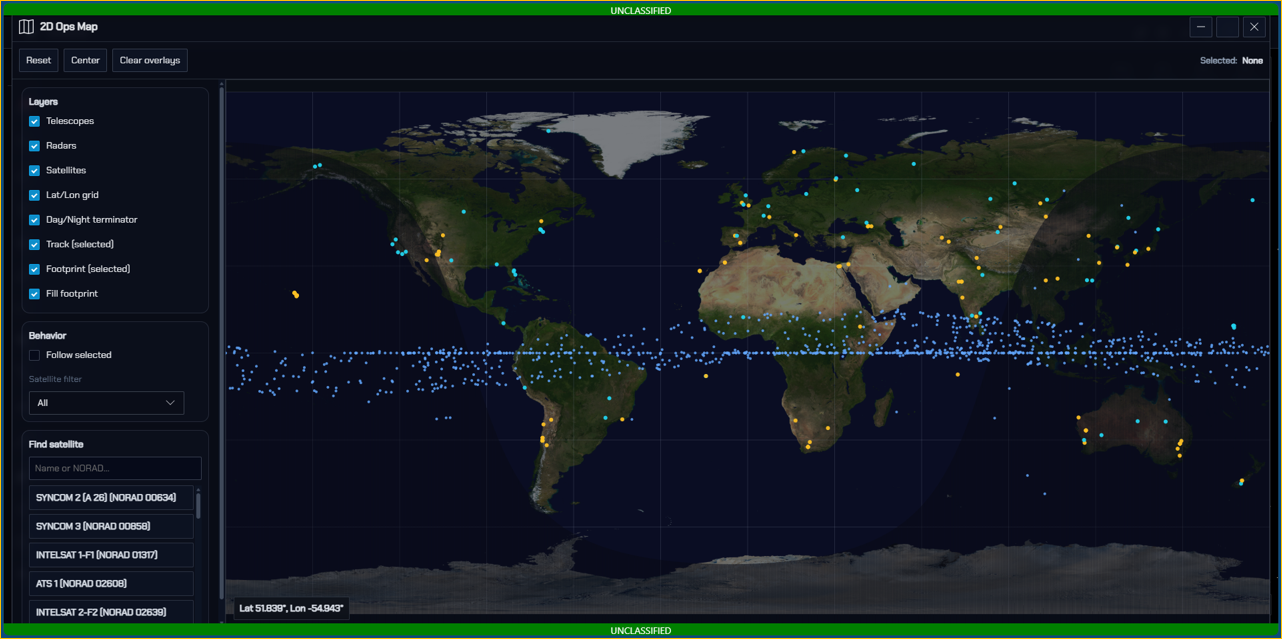
When a flat map is the fastest way to reason about the world, Selene provides a 2D Operations Map with options for:
-
Footprints
-
Ground tracks
-
Pass corridor overlays
-
Grid overlays (including degree annotations)
-
Focus satellite tracking
It’s optimized for quick scanning, briefings, and “big picture” situational awareness without losing the ability to pivot back into 3D.
Ground sites: sensors and constraints anchored to geography
Ground sites aren’t just pins. Selene can render ground-based assets (e.g., radar and optical sites, jammers, antennas) with realistic constraint modeling such as:
-
Location
-
Minimum/maximum elevation
-
Azimuth sector limits
-
Maximum range envelopes
This supports line-of-sight reasoning and helps translate orbital motion into sensor feasibility and coverage implications. This helps operators answer: Can this site see that object now (or at a given UTC)? and What changes if we shift time?
SSA workflows: from observations to orbits
Selene includes a Space Situational Awareness Manager (SSAManager) that supports initial orbit determination (IOD) workflows. It can work from observation sets (e.g., RA/Dec with observer location/time) and apply common methods such as:
-
Gauss
-
Laplace
-
Herrick–Gibbs
-
Angles-only approaches
-
Iterative refinement paths
This bridges the gap between raw observation data and usable orbital state—directly in the operational workspace.
Shift turnover: operational continuity built in, not an afterthought
Shift turnover is treated as a first-class workflow. The shift turnover panel aggregates and persists operator-relevant context such as:
-
Active issues (pluggable feed)
-
Risk indicators (e.g., high behavior shift score, covariance alerts)
-
Upcoming close approaches (TCA windowing)
-
Turnover notes (timestamped, locally persisted)
This reduces the “cold start” problem at shift change and keeps continuity inside the tool where the work happens. Result: faster turnovers, fewer missed details, and less time spent rehydrating context.
Under the hood: performance via web workers
Selene is designed to stay responsive while doing continuous orbital computation. The operator experience stays smooth because:
-
Dedicated workers (e.g., propagation, solar, lunar) offload computation from the UI thread
-
The propagation pipeline streams packed position updates back to the main thread
-
The UI applies those updates to visible satellites and refreshes point/overlay rendering
In operator terms: the scene remains responsive even when the math is heavy.
Selene features scale with the mission
Selene is built around a simple principle: keep operational context on the map, and keep the map fast. By combining time control, interactive satellite tooling, realistic overlays (footprints/tracks), ground asset context, SSA workflows, and shift turnover support, it becomes less of a visualization layer and more of a mission workspace.